API Built for Your Flow
Automate payments, reconciliation, and reporting by connecting Transferra directly to your systems - CRM, accounting, and internal tools.
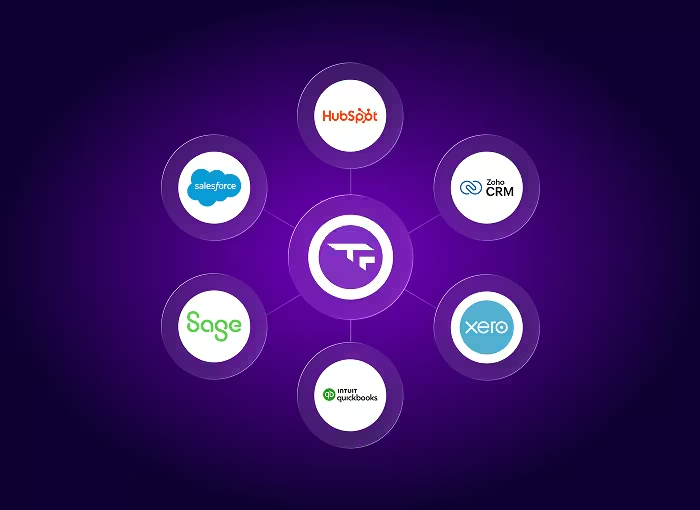
API-Ready from Day One
Connect Transferra to your CRM, accounting software, or internal tools to automate payment flows and reduce manual work.
Incoming and outgoing transactions sync automatically, keeping customer data, payment references, and balances aligned across systems - without manual exports.




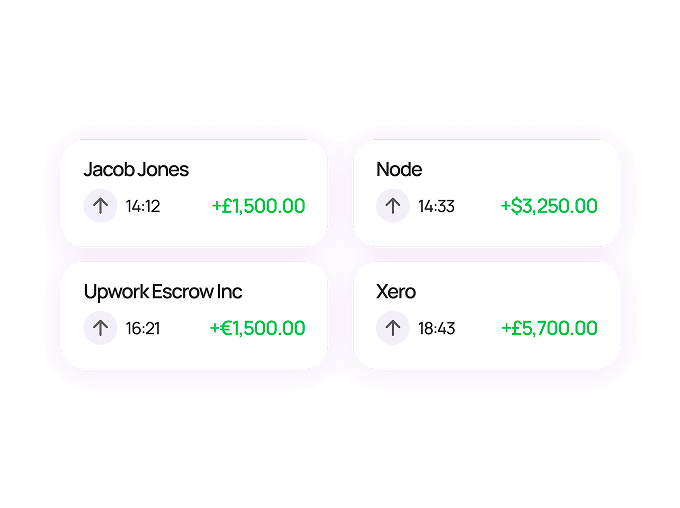
Identify Payments Automatically
No manual matching! When a payment arrives, Transferra captures references and notes so you know exactly which client the funds belong to.
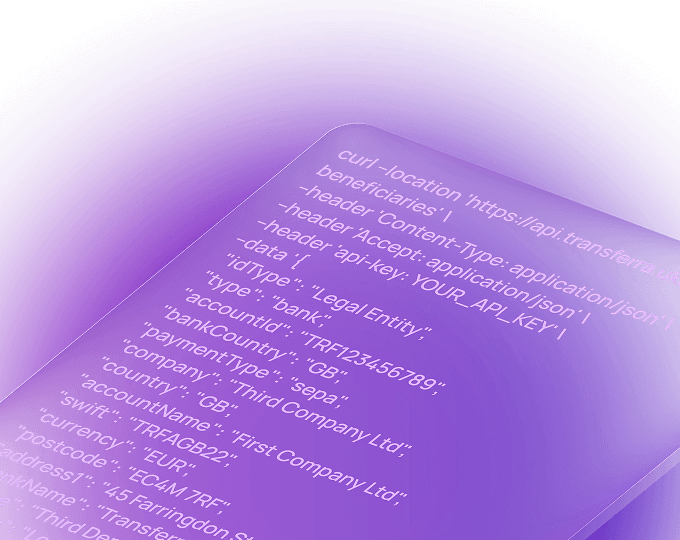
Built for Developers -Shaped Around Business
Access flexible APIs, a dedicated testing environment, and technical support to ensure a smooth implementation before going live.
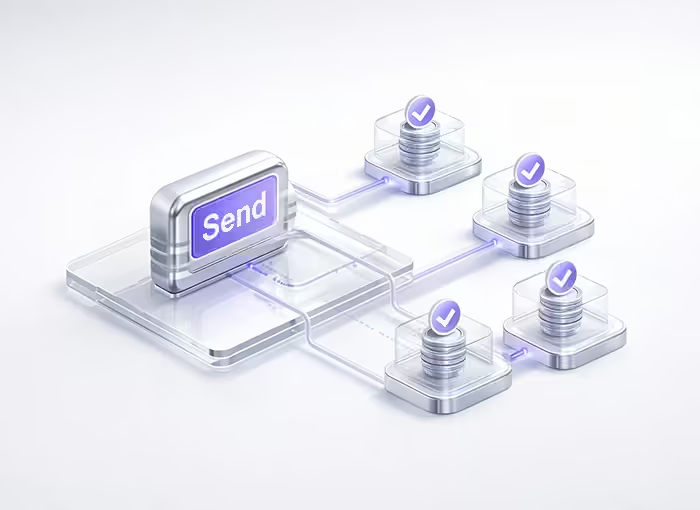
Send Mass Payments in One Simple Flow
Pay employees, contractors, partners, or suppliers in bulk - without managing individual transfers one by one.
With Transferra, you can initiate mass payments through the API, track their status in real time, and keep full visibility across accounts and currencies.

Available to Transferra Business Clients
API access is available to Transferra business clients needing higher payment volumes or requiring automated workflows. How it works:
Open the Transferra Business Account
Submit the request about API to our team
Receive API credentials and documentation
Our integration managers will guide you through setup and help tailor the integration to your business needs
More API Features
Enterprise-Grade Security
Secure your integrations with API keys and controlled access rights. Transferra uses structured authentication and permission-based access to help protect payment operations and sensitive financial data.
Instant FX in 40+ Currencies
Access live exchange rates and convert funds instantly across supported currencies. This allows you to manage FX efficiently and execute conversions exactly when your business needs them.
High-Volume Payments
Send and receive large volumes of payments without operational bottlenecks. Transferra supports scalable payment flows with clear transaction tracking, even as volumes grow.
Full Spend Visibility in Real Time
Download transaction history, filter by date or currency, and monitor balances without logging into multiple systems.
Frequently asked questions
-
What systems can the Transferra API integrate with?
Transferra's API is designed to integrate seamlessly with your existing systems, including CRM platforms, accounting software, and internal tools. It fits naturally into your current automation flows, allowing you to connect payments directly to how your business operates.
-
Is the Transferra API secure?
Yes. Transferra uses industry-standard security practices to protect API connections and data. Access is managed through secure API keys, which you control and store within your own infrastructure, ensuring full ownership and oversight.
-
Does Transferra build integrations on behalf of clients?
Transferra provides the tools and technical resources your development team needs to build custom integrations tailored to your business requirements. Our technical specialists are available throughout the integration process to support your team and help resolve any implementation questions.
-
What documentation is available for developers?
Developers have access to clear integration guides, technical documentation, and practical examples to support implementation. Our technical support team is available to assist with troubleshooting and to help ensure a smooth setup from testing to production.
-
How do we get started with the Transferra API?
Your integration's specialist will guide you through enabling API access and provide the resources needed to begin integration. Once enabled, your team can test in a sandbox environment before moving to live operations.